3 min. read
Neurooo now available on Windows and Mac
Translate and improve your texts instantly, without breaking your flow.

Michaël Hoste
Founder & CEO
Until now, using Neurooo meant opening a browser tab, pasting your text, and copying the result back. It works… but it also pulls you out of what you are actually doing.
So we built native apps to make Neurooo available directly on Windows and Mac. You can now translate or improve any text, from any app, without losing your focus.
Translate with Ctrl+C+C
Select some text, then press Ctrl+C+C on Windows, or ⌘+C+C on macOS.
Neurooo will pop up with the translation. One click and it’s back in
your clipboard, ready to paste.
DeepL users switching to Neurooo should feel right at home.
It works anywhere on your computer: Word, Outlook, WhatsApp, Mail, Slack, your browser, your code editor… Anywhere you can select text, you can translate it.
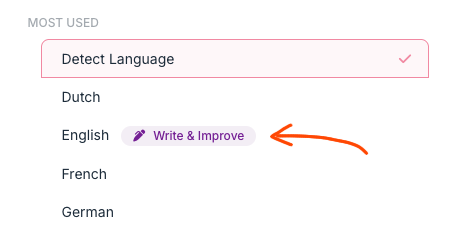
No need to pick the source language, Neurooo will detect it. Write in whatever language you think in, and the translation comes out in the one you need.
Improve by holding C
Same shortcut, with one twist. Hold the second C for two seconds and
Neurooo will enter proofreading mode. Instead of translating, it is
now improving your text : better grammar, better phrasing, same meaning.
It’s great for emails written too quickly, rough drafts, or any text that needs a final polish before sending. You stay in the app you’re working in, and the improved version is one click away.
Download
Both apps are small, run in the background as a tray icon, and are almost invisible until you need them.
Try them for a day, and you’ll be convinced:
If something feels off, please contact us on contact@neurooo.com